Plain answers to the two big questions.
What happens when the internet goes down, and what IRD approval actually means for you. No jargon.
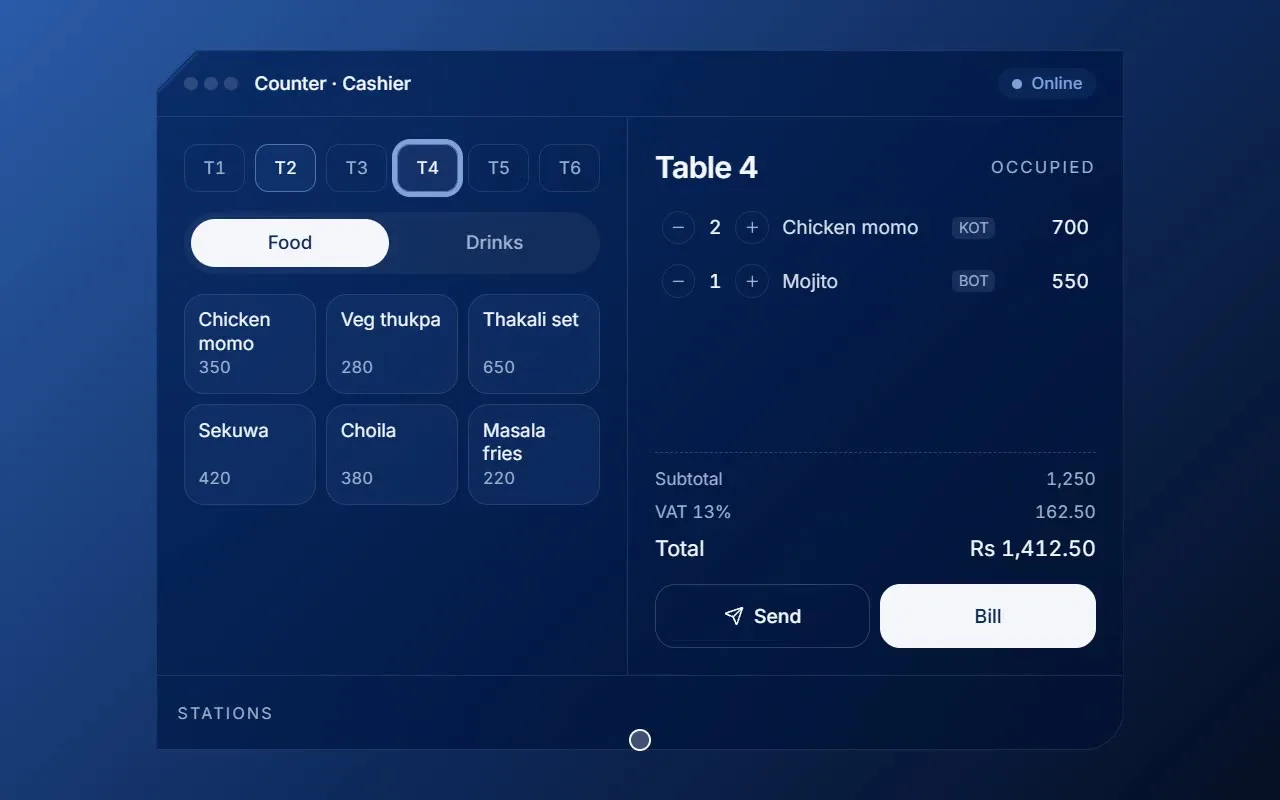
01Pick a table.
Recorded on the demo above. Menu and prices are illustrative.
When the internet drops, the counter carries on.
Most restaurant software stops when the internet stops. Norven keeps a small piece of software, the Norven Agent, on your counter PC. It holds everything the counter needs to keep working on its own.
- Step 01
The connection drops
The counter screen shows an amber banner: “Internet down — counter mode”. Nothing else changes for the cashier.
- Step 02
Service carries on
The counter takes orders, prints kitchen and bar tickets and issues bills as normal. Waiters bring orders to the counter until the connection is back.
- Step 03
Everything is kept in order
Every bill, payment and ticket is saved on the counter PC in a local outbox, strictly in the order it happened.
- Step 04
The connection returns
The outbox syncs itself, oldest first. Bills appear in your back office, marked as sent late, so your IRD records stay honest.
- Step 05
A safe limit
If the counter stays offline for too long (72 hours by default), it pauses issuing bills until it can sync, so records never drift far apart.
Pull the plug, keep issuing bills, then bring the internet back.
What approval means for an owner.
IRD approval means the software follows the Electronic Billing Procedure 2074. In practice, it means the system makes the right thing the only thing staff can do.
Every bill gets the next number
Invoice numbers run in sequence for each fiscal year. No gaps, no reuse, no editing.
Nothing is deleted
A mistake is cancelled with a written reason and a manager’s approval. The cancelled bill stays on record, clearly marked.
Every action is logged
Who did what, and when. Auditors can filter, print and export the audit trail.
Reprints say so
The original prints once. Every later print reads “Copy of Original (1)”, “(2)” and so on, and is recorded.
Bills reach the IRD as you issue them
Invoices sync live with the Central Billing Monitoring System (CBMS). You can see the sync status of every bill.
Reports in the formats IRD asks for
Master bill report, sales book and audit trail, ready to print or export when an auditor visits.
Reprint it, cancel it, or try to delete it.
Every action is recorded in the audit log. Deleting is not an option, because the rules do not allow it.
TAX INVOICE
Your Café & Bar
Your address · PAN 000000000
Tickets print where the work happens.
Kitchen order tickets go to the kitchen, bar order tickets go to the bar, and bills print at the counter. If a printer fails, a fallback takes over.
Bring your own equipment, or let us supply it.
We will confirm that what you have is compatible and install it. If you need something, we can supply, configure and install it for you.
See it running at your counter.
Book a demo and we will walk you through the whole system, from the first order to the day-book close.